
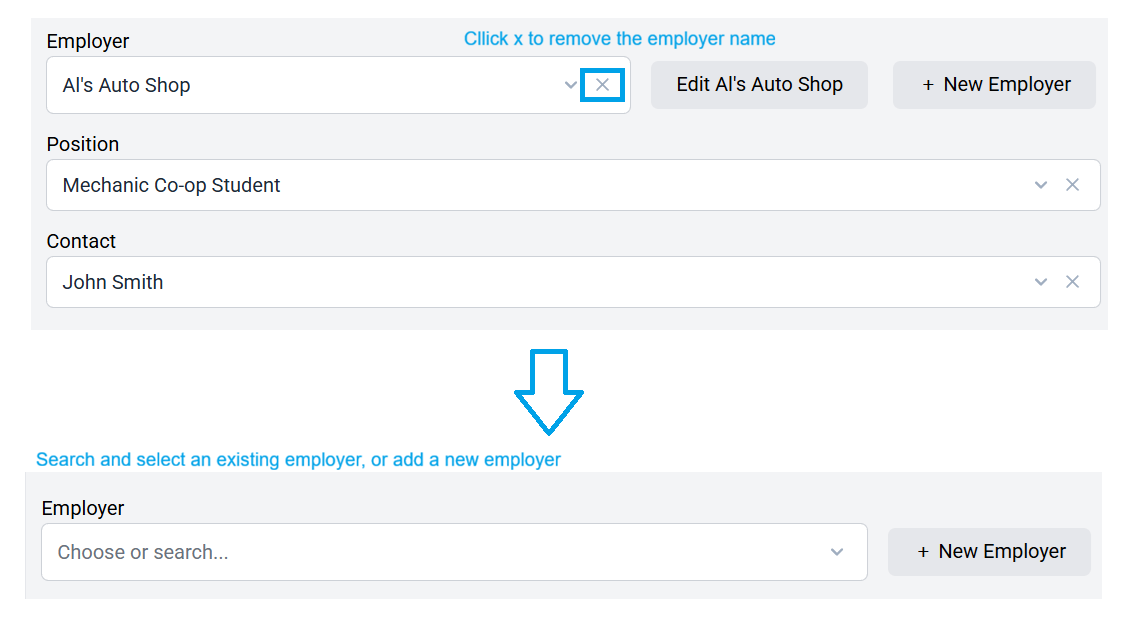
A student’s employer is remembered from one form to the next, making it easier to complete future forms. Since students may change employers, you can remove a previously remembered employer and add a new one as needed.
Click X to remove the previous employer. Then, search for and select an employer from your database, or add a new employer (+ New Employer).
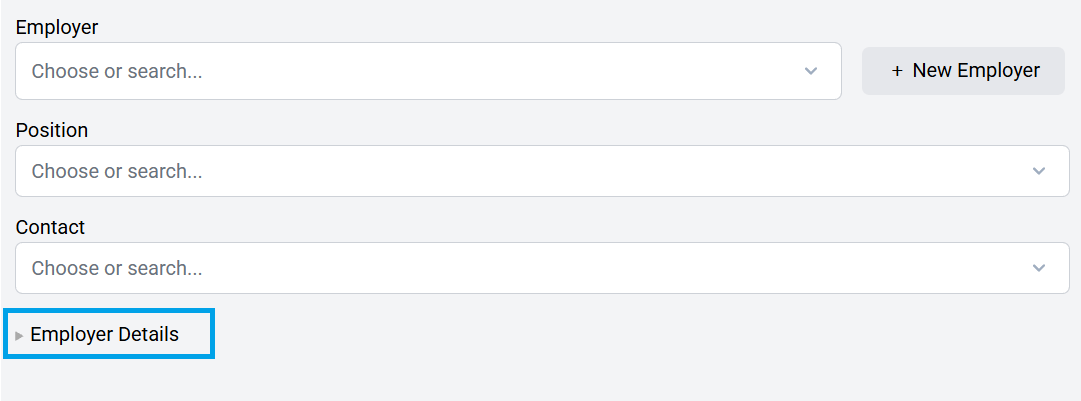
Note: If you click to expand Employer Details, you will see the information that automatically populates your documents. This is the data you will see in the document when you click Export to PDF.
Important Reminder: In some cases, you may need to create a completely new form rather than overwrite a previously created form. This will depend on the circumstances. When deciding whether to update an existing form or create a new one, consider the importance of maintaining an accurate historical record. Keeping previous forms intact can help ensure that past information, changes, and approvals remain properly documented.

For instance, if a student has more than one employer during a semester, then 2 separate forms will likely be required since one employer cannot sign on behalf of another employer.