
1. To add a new contact to an Organization/Employer, click the  button on the left toolbar
2. Click on the desired Organization/Employer’s name such as Canadian Tire, Best Buy, etc.

3. Select the Contacts button in the left toolbar under the  icon
icon
4. Click the button to add new supervisors to an Organization/Employer
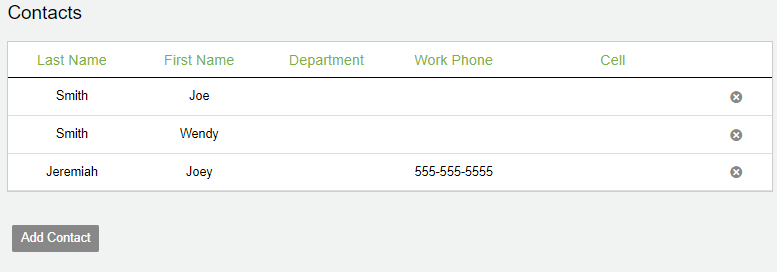
5. A drop down will appear and you can begin to fill out all of the contact information
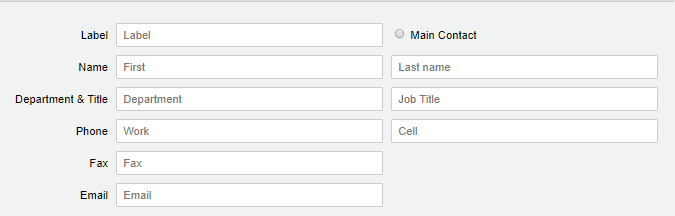
6. Once you have filled out the fields, click  to finish creating the contact